Qemu Win11 install with Rufus
I have installed Windows 11 before but there were registry edits to make the install work. Rufus negates the need for these.
When creating the USB stick you get these options
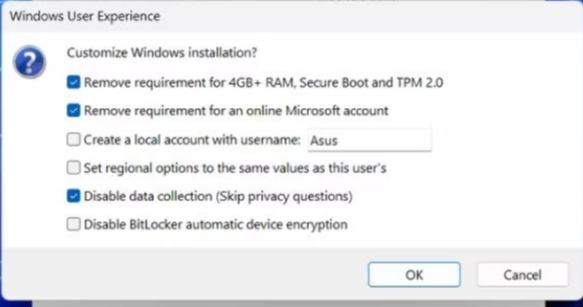
So create the USB drive and then start a new VM machine in QEMU
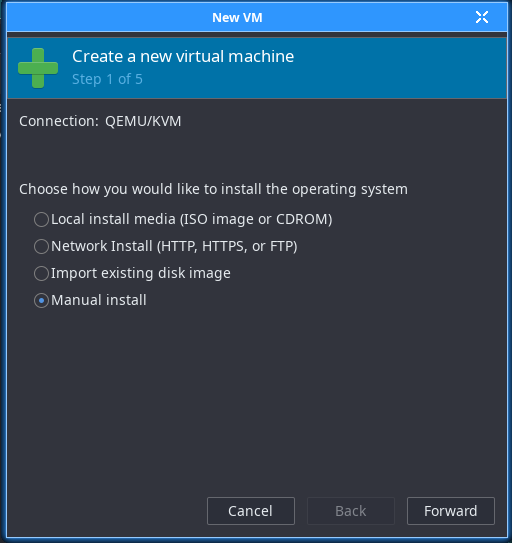
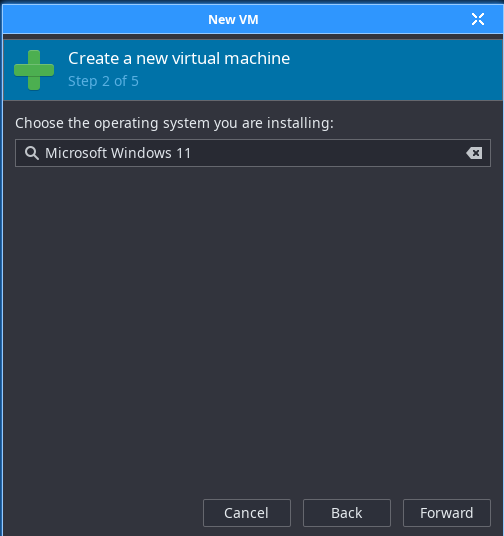
Choose Manual install Then Windows 11
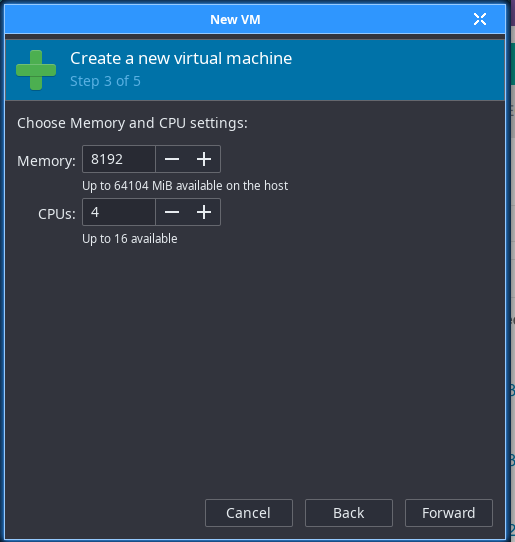
Choose your settings
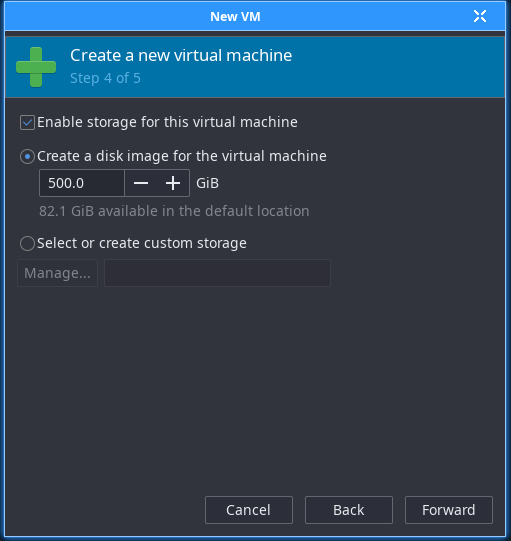
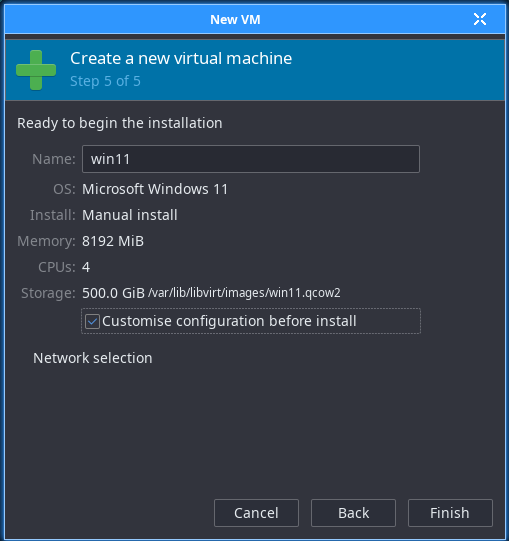
Check the box to customise before installation
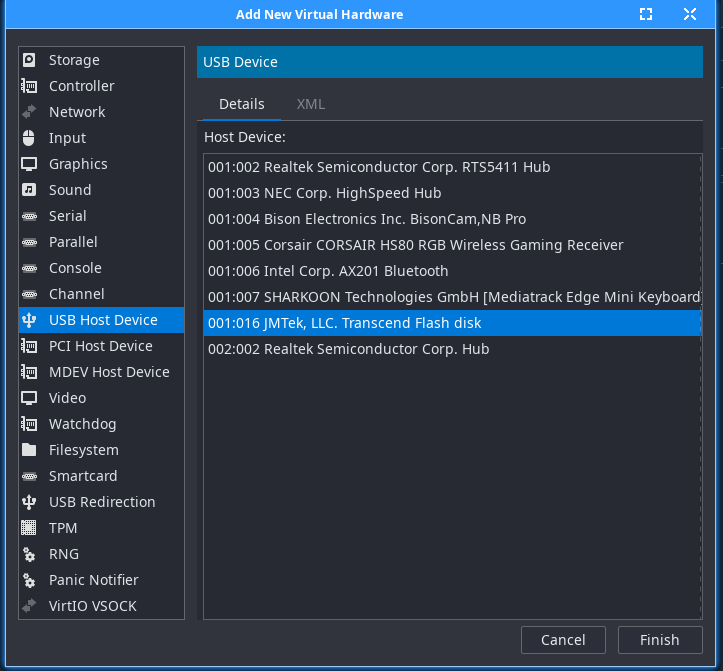
You need to add new hardware and add USB device and choose the stick you created with Rufus
and add it to the boot options
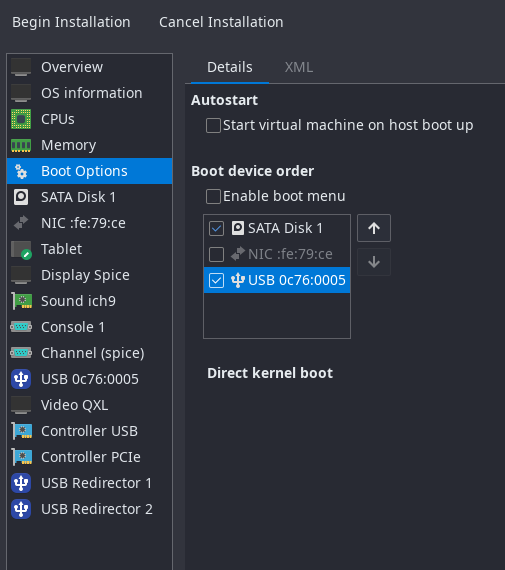
Turn off the network adapter
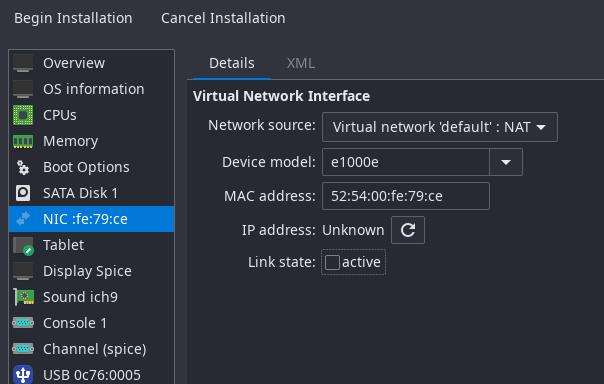
Then click begin installation
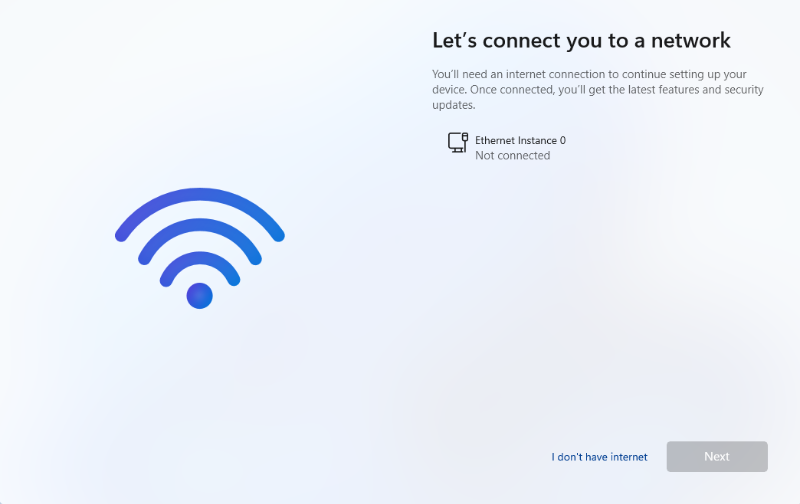
Windows will install without issue. When you get here, click I don't have internet
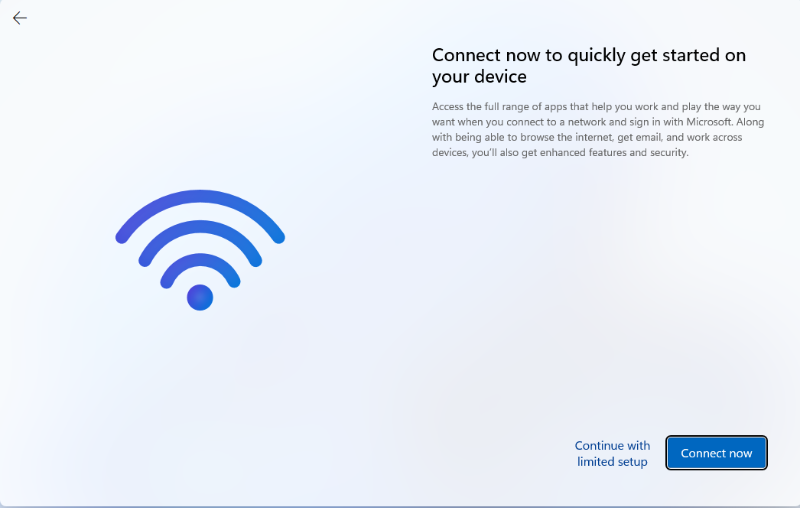
and then continue with limited setup
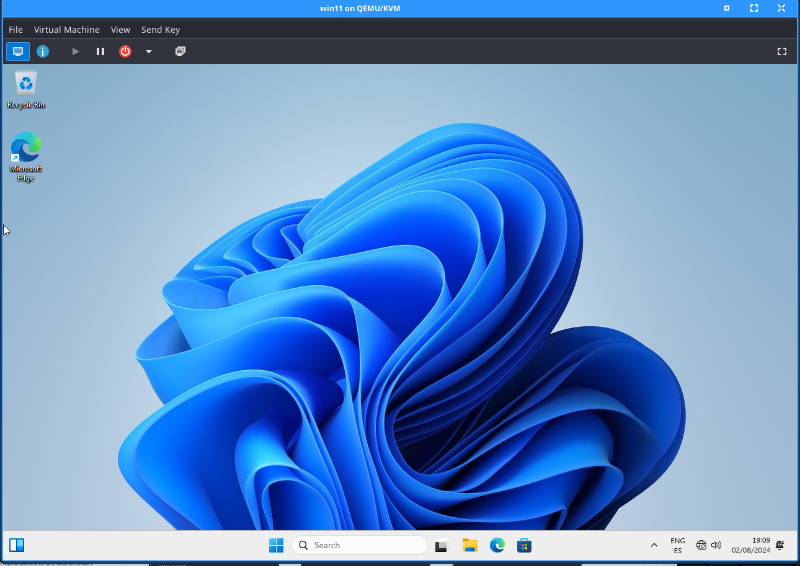
The installation is complete, shut down and turn the network on and remove the usb device.
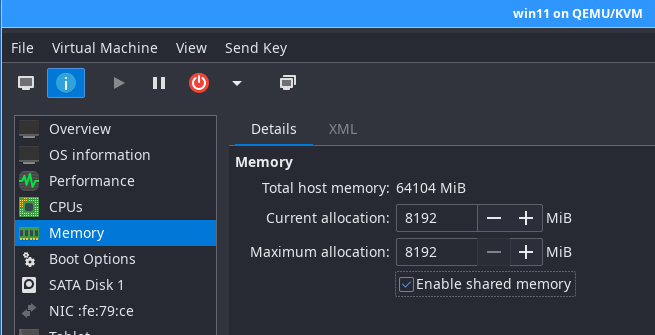
If you want to access a host directory, you can add using the virtual file system. Click memory and tick share memory.
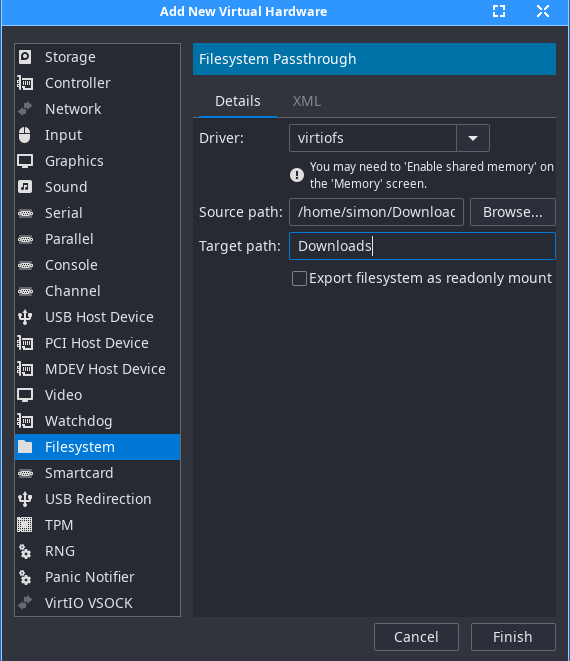
Add new hardware, add file system. Click browse, browse local and choose the directory to share.
Shut the machine down to complete the changes. Start the machine and in Windows download the virtio-win iso and winsfsp from the github site.
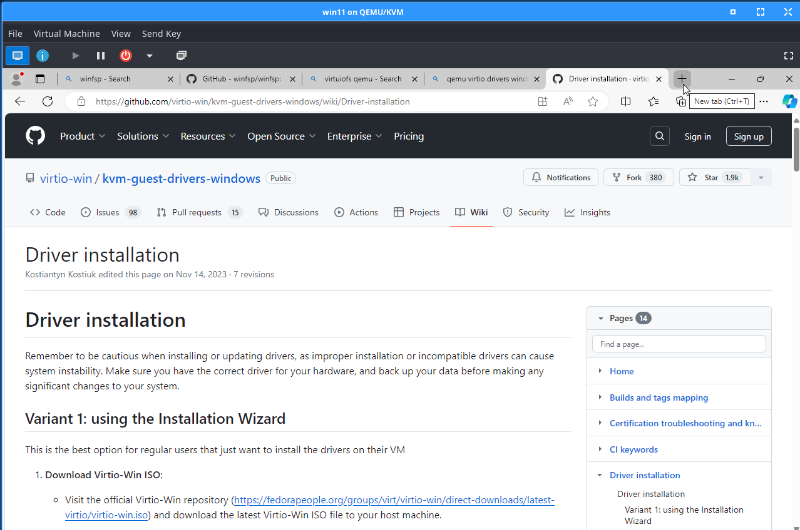
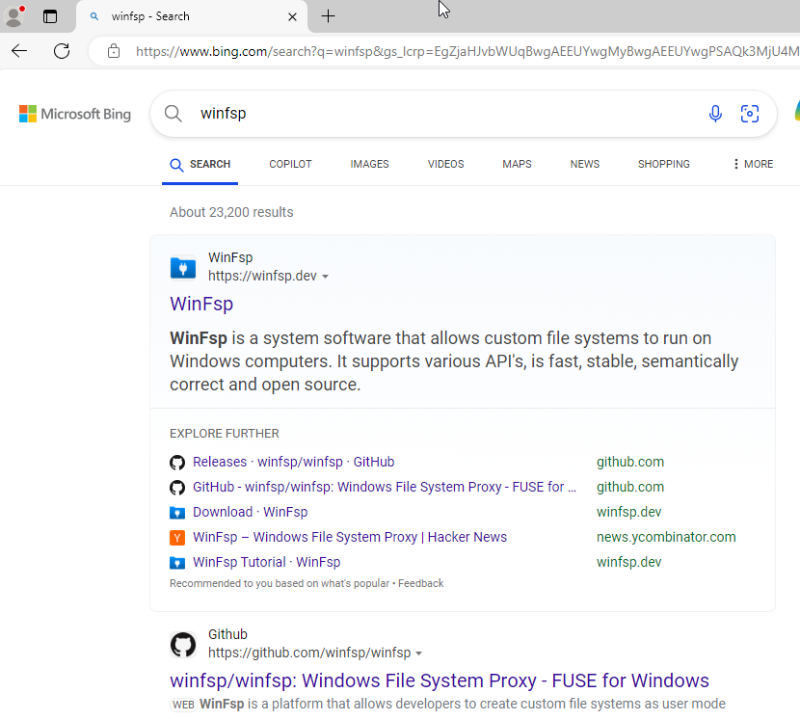
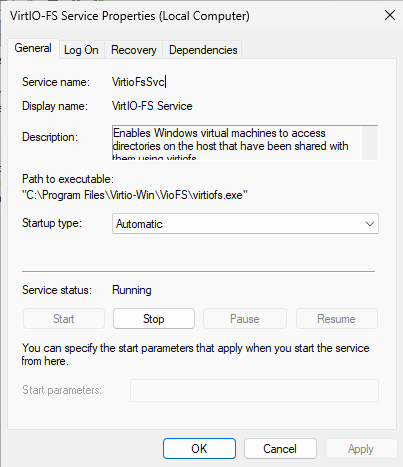
Install the app and then open windows services and find the VirtIO-FS service and change it to start Automatic and click start. Click OK and close the services box.
Open a file explorer and you will see the host directory in this PC
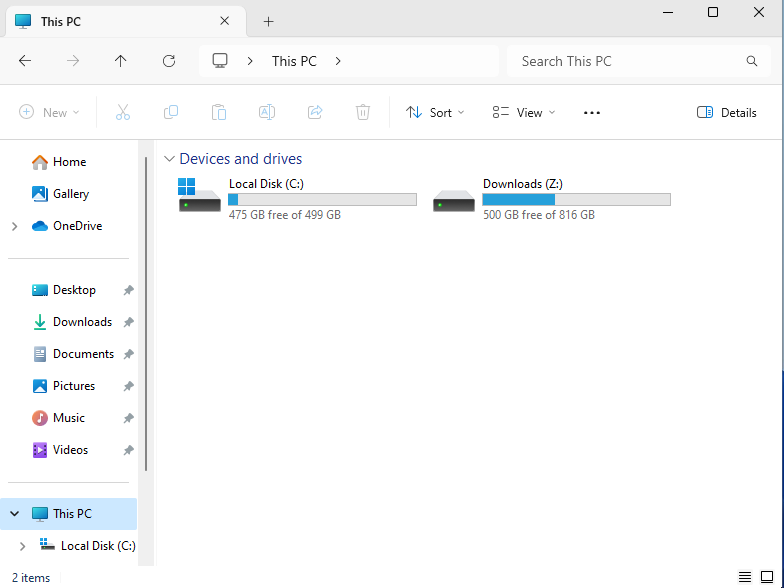
and we're done
Posted
19:42 02-08-2024