Rclone and Nextcloud
Let’s start by running the RCLONE configuration tool:
rclone config```n) New remote
name = nextcloud
type = webdav
url = https://
vendor = nextcloud
user = <your nextcloud username>
pass = <your nextcloud user password>
bearer_token = Remote config
This sets the configuration, in rclone, then we need to mount it on login.

Here we add this as a startup option or to your startup scriptThe directory ~/Nextcloud must exist and be empty.
It is then shown as a remote filesystem in your filemanager
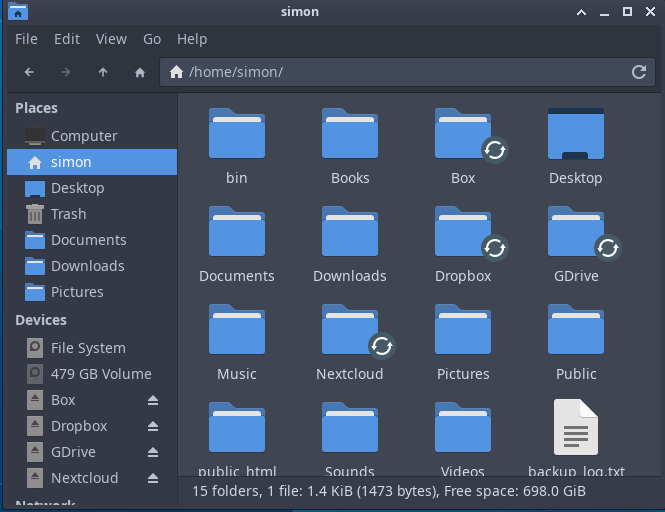
You can use this for all supported places, as shown above, Box, Dropbox, Google Drive etc.
Posted
12:15 03-11-2022